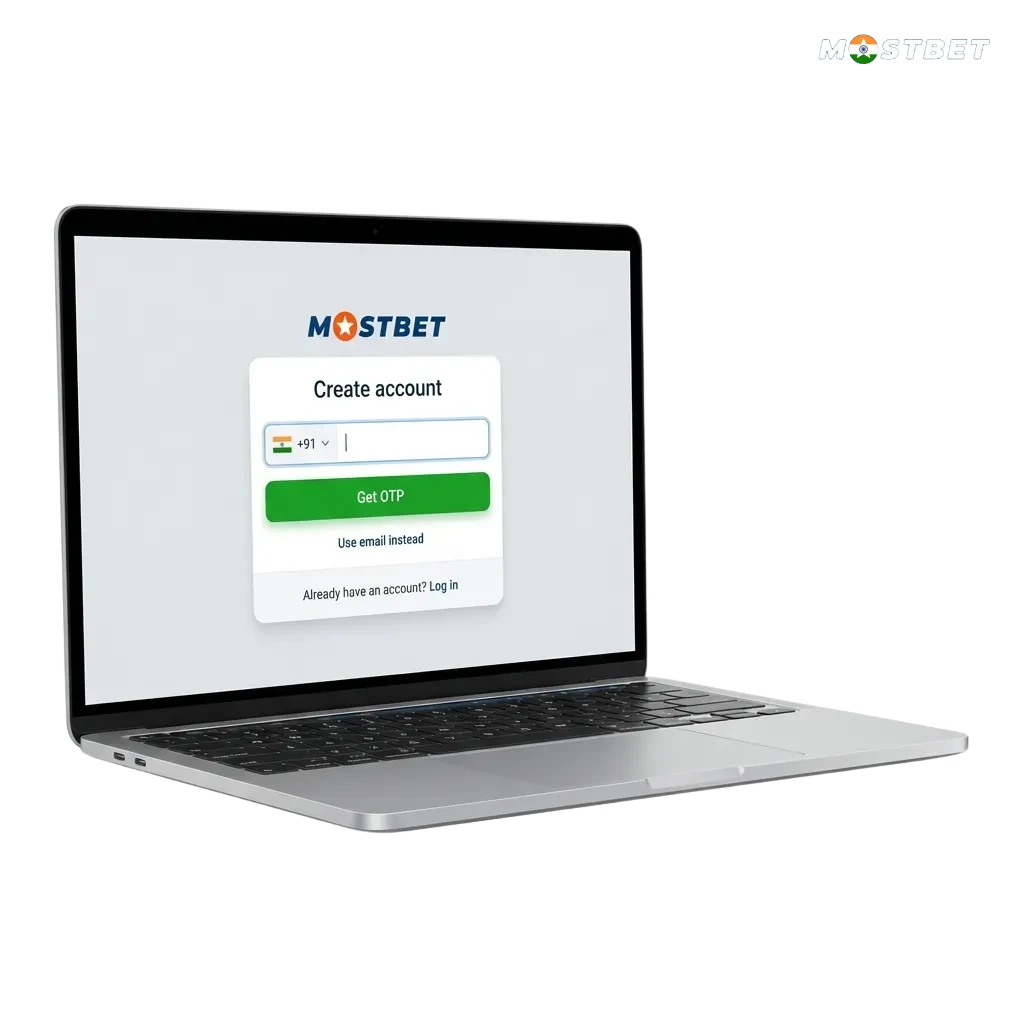
Illustration of Mostbet India sign‑up steps, showing phone, email, social, and one‑click options with 125% bonus offer

Mostbet Registration Process in India

You can register on the official site in India in a few simple steps and start playing for real money. After you create your new account, you get full access to sports betting, live cricket, kabaddi, and the online casino section with slots, tables, and live dealers. You can choose your preferred registration method, such as by phone number, email, social media, or quick one‑click sign up. Once your profile is ready, you can deposit, request withdrawals, manage your personal data, and claim the welcome bonus of 125% + 250 free spins.

All Available Registration Options on Mostbet

You can complete your Mostbet registration online in the way that suits you best. Each method is simple and takes only a short time, so you can move to betting and casino games quickly.

  • Phone number sign up
  • Email registration
  • Social media account
  • One‑click registration

Registration by Phone Number

This option helps you register using your active Indian mobile number. You receive login and security codes by SMS, which keeps your access safe.

  1. Open the official site and tap “Register”.
  2. Select the “By phone” option.
  3. Enter your Indian mobile number and choose your currency.
  4. Enter any promo code if you have one.
  5. Confirm that you are 18 or above and accept the terms.
  6. Request and enter the SMS code to confirm your number.
  7. Complete the form and finish your new account setup.

Registration by Email

This method is best if you prefer detailed control over your login and contact details. You set your own password and get notifications on your email address.

  1. Visit the official website and click “Register”.
  2. Choose the “By email” registration option.
  3. Enter your email address, full name, and strong password.
  4. Select your country, currency, and preferred language.
  5. Add any bonus promo code, if available.
  6. Confirm you are of legal age and agree to the rules.
  7. Submit the form and confirm your email through the link sent to your inbox.

Registration via Social Media Account

You can sign up using supported social media or messenger accounts. This reduces the typing you need to do and speeds up access to the platform.

  1. Go to the site and press “Register”.
  2. Pick the “Social networks” option on the registration screen.
  3. Choose your preferred social network from the list.
  4. Log in to your social profile and allow data sharing for registration.
  5. Choose your currency and confirm your country.
  6. Accept the age confirmation and terms.
  7. Save the settings so your new betting account is linked to your social profile.

One‑Click Registration

One‑click sign up is the fastest way to start. You get a temporary login and password in a single step, and you can fill the rest of your data later in your personal profile.

  1. Open the official site and click on “Register”.
  2. Select the “In one click” option.
  3. Choose your country and currency.
  4. Select your welcome bonus type, sports or casino.
  5. Confirm you are 18+ and accept the terms.
  6. Click the button to generate your login details.
  7. Save or copy your ID and password, then complete your personal data in the account section.
Illustration of a hand holding a phone showing the Mostbet app registration screen with step-by-step icons

Register via the Mostbet Mobile App

You can complete your registration directly in the Mostbet mobile app, which is optimised for Indian users on Android and iOS. The process is similar to the site, but you manage everything from your phone, including quick sign in and deposits.

  1. Step 1: Download and install the app
    Go to the official site, find the app section, download the Android APK or iOS version, and install it on your device.
  2. Step 2: Open the app and tap register
    Launch the app, tap the “Register” button on the main screen, and choose your preferred language and region.
  3. Step 3: Choose your registration method
    Select sign up by phone, by email, via social media, or one‑click registration, just like on the desktop site.
  4. Step 4: Fill in your details
    Enter your basic data such as phone number or email, set a password, choose currency, and confirm age and terms.
  5. Step 5: Confirm and log in
    Complete the step, confirm via SMS or email if requested, then sign in to your new account and move to deposit or bonus activation.
Illustrated checklist of India account registration rules: 18+ age, real personal details, one account, valid contacts, accept terms.

Account Registration Requirements

You need to follow a few important rules when you sign up so that your account stays legal and secure in India. Registration is allowed only for adults who agree to responsible gambling guidelines. You must provide correct personal details, as these will be checked during verification and payouts. Any mismatch in information can impact your access to the platform and to withdrawals.

  1. Be at least 18 years old
    You confirm that you are 18 or older and allowed to take part in online betting and casino gaming under Indian laws in your area.
  2. Use only your own details
    You must provide your real name, date of birth, mobile number, and email, which match your official documents.
  3. One account per user
    You can create only one personal account, and you should not share it or create duplicates in any name.
  4. Provide reachable contact information
    Your phone number and email must be active and under your control, so you can receive codes, notices, and security alerts.
  5. Agree to the platform rules
    You need to read and accept the terms and conditions and privacy policy, including rules on deposits, bonuses, and responsible play.

Login to Mostbet Account

Once you complete your online registration, you can sign in to your account at any time from desktop or mobile. The login process is short and depends on the method that you used for sign up.

Step 1

Click the “Login” button

Click the “Login” button below or on the top of the site.

Step 2

Choose your login type

Choose your login type: by phone number, email, account ID, or social media.

Step 3

Enter your login details

Enter your login details and password, or select the social profile you linked during registration.

Step 4

Confirm login and access your account

Confirm login if you receive an SMS or email code, then access your balance, bets, and casino games.
Illustrated step‑by‑step KYC account verification checklist with icons for profile, ID, address, payment, and approval

Account Verification Process

Verification confirms your identity and protects your account, balance, and withdrawals. After full verification, you can request payouts, increase limits, and get better security on the platform. The process is standard for licensed gambling sites and based on your real documents.
  1. Basic profile completion
    Log in and fill in all fields in your personal profile, such as full name, date of birth, address, and contact details.
  2. Document upload
    Go to the verification or KYC section and upload scans or photos of your PAN card, Aadhaar, passport, or driving licence as proof of identity.
  3. Address confirmation
    Provide a recent utility bill, bank statement, or other accepted document that shows your name and residential address in India.
  4. Payment method check
    If needed, upload proof for your deposit method, such as a card photo (masked), UPI screenshot, or e‑wallet statement matching your name.
  5. Review and approval
    Wait for the support team to review your documents; you will receive a message once your account is verified and ready for withdrawals.
Welcome bonus banner for new Indian users showing 125% deposit match and 250 free spins for casino or sports betting

Welcome Bonuses for New Users from India

As a new user from India, you can claim a welcome package of 125% bonus plus 250 free spins after you register online and make your first deposit. You choose between a sports betting bonus or a casino bonus during sign up or before you place your first bet. Bonus terms apply, including wagering requirements and minimum deposit amounts.

Casino Bonus

You can get a casino welcome bonus that boosts your first deposit and gives you free spins on selected slot games.

Casino Welcome Offer Details:

  1. Bonus size: 125% of your first deposit, plus 250 free spins.
  2. How to claim: Register, log in, select the casino bonus on the registration form or in your account, then make a qualifying first deposit.
  3. Minimum deposit: Check the cashier for the current minimum deposit in INR for the casino welcome offer.
  4. Wagering requirements: Play through the bonus amount and free spin winnings a set number of times before you can withdraw; only eligible games and bets count.
  5. Time limits: Meet the wagering and other terms within the stated period shown in the bonus rules.

Sports Betting Bonus

If you prefer cricket, football, or other events, you can choose a sports betting welcome bonus on your first deposit.

Sports Welcome Offer Details:

  1. Bonus size: 125% of your first deposit credited to your sports balance.
  2. How to claim: Finish your online registration, choose the sports bonus during sign up or before deposit, and add funds through any available method.
  3. Minimum deposit: Check the sports bonus section for the active minimum deposit amount in rupees.
  4. Wagering requirements: Place bets with minimum odds and turnover that meet the conditions before you request a withdrawal.
  5. Eligible markets: Only bets on qualifying sports events and markets count for wagering; details are listed in the bonus terms.

Account Overview

After you sign up and log in, you get access to a personal account area tailored for Indian users. This dashboard helps you manage your balance, bets, bonuses, and settings in one place.
  • Balance and transaction history: Check your current funds, view past deposits, withdrawals, and betting activity.
  • Deposit section: Add money through UPI, net banking, cards, or e‑wallets and see limits and processing times.
  • Withdrawal requests: Submit payout requests, track their status, and review previous withdrawals.
  • Bonuses and promotions: View active bonuses, wagering progress, and any promo codes or offers linked to your profile.
  • Bet history: Review settled and open bets for sports, live events, and casino games.
  • Personal data and security: Update your contact details, change password, set two‑factor security, and manage login devices.
  • Verification and documents: Upload and check the status of your KYC documents and any additional checks.
  • Responsible gambling tools: Set deposit limits, session reminders, or apply cooling‑off options to manage your play.
Table showing common Mostbet registration issues like missing SMS or email and clear step-by-step solutions for each

Possible Problems and Their Solutions When Registering on Mostbet

Some users face small issues during the online registration process, such as SMS delays or email errors. You can usually solve these registration problems yourself by following the steps below.

Problem Solution
SMS code not received during phone registration Check that your number is correct, confirm that your phone has network coverage, wait a few minutes, then tap resend code or try again later.
Verification email not arriving Look in your spam or promotions folder, add the site email to your contacts, and request a new confirmation link from the login screen.
Error message saying user already exists You may have registered earlier; try password recovery using your email or phone, or contact support to confirm your existing account.
Cannot finish form due to missing fields Check that all required fields are filled, select your country and currency, and remove any special characters not allowed in names or passwords.
Site not loading during registration Test your internet connection, refresh the page, try another browser or device, or switch to the mobile app if available.

Steps to Delete a Personal Account

You may wish to delete your account if you plan to stop online gambling, reduce screen time, or manage your finances differently.

Step 1

Log in to your account

Log in to your account using your usual details.

Step 2

Contact support

Go to the support or help section and open live chat or email support.

Step 3

Request permanent account closure

Request permanent account closure, mention your reason, and confirm your identity if asked.

Step 4

Wait for confirmation

Wait for confirmation from support that your personal account is closed and follow any final instructions.

FAQ

How long does registration take?

Registration on the site or app usually takes only a few minutes, as you provide just basic contact and personal details.

Can you change your phone number or email later?

You can update some contact details in your account settings, but major changes may require support review and fresh verification.

Do you need to verify your account before the first deposit?

You can often deposit and play first, but full verification is required before large withdrawals or higher limits are approved.

Can you have more than one account?

No, you are allowed to maintain only one personal account; duplicate registrations can lead to closure.

Is registration on the mobile app different from the website?

The steps and data are almost the same; the only difference is that you complete the form on your phone screen inside the app.

Updated: